Xinart Cutting Mats Review: Which Cricut Mat Actually Does What
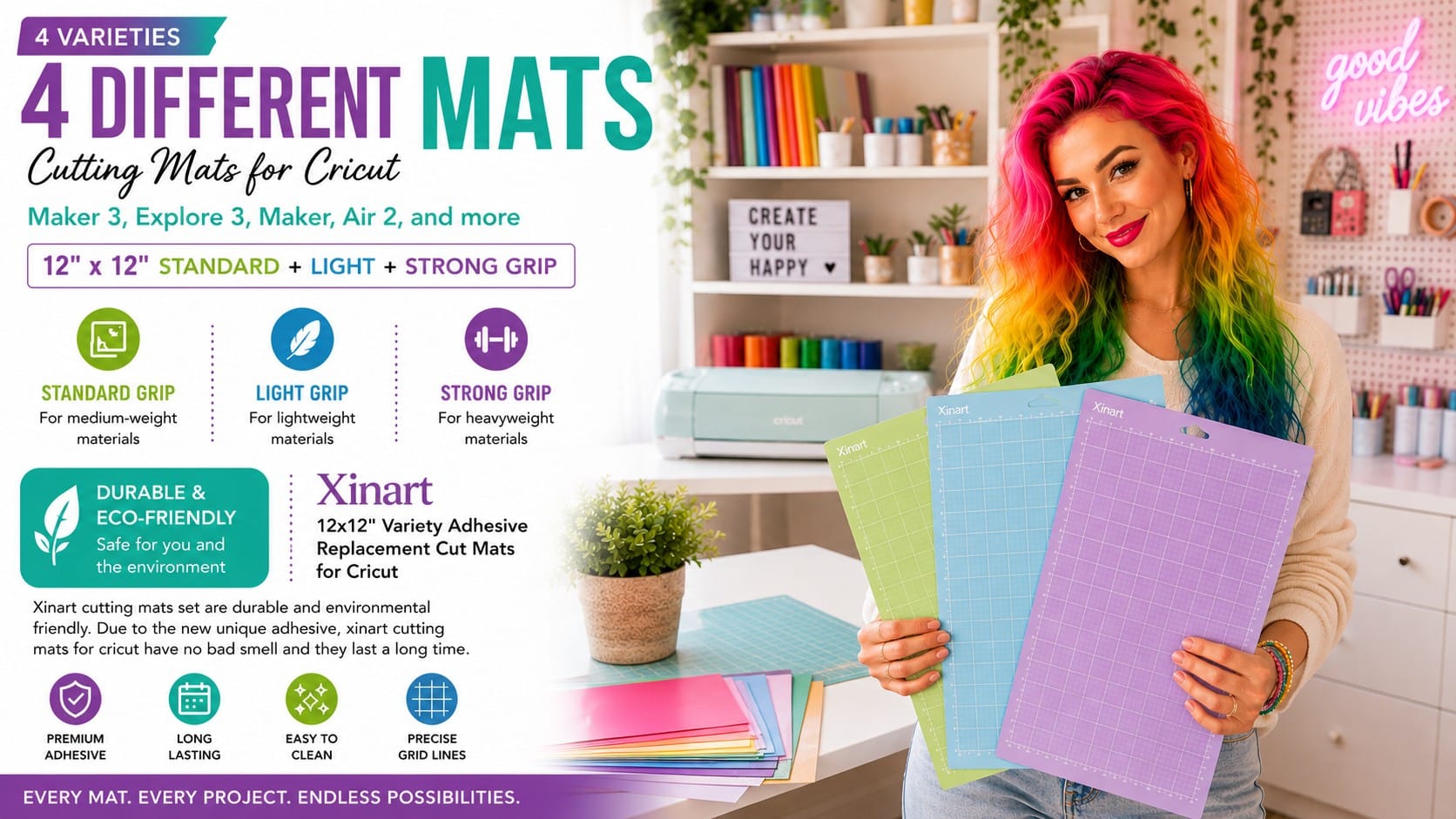
Xinart 12″×12″ Cutting Mats — Light + Standard + Strong Grip, 3-Pack → — our affiliate link; we earn a small commission at no cost to you.
⭐ 4.7 · 18,400 ratings · $8.99 · 3 mats · Fits every Explore & Maker machine
✨ Key Features
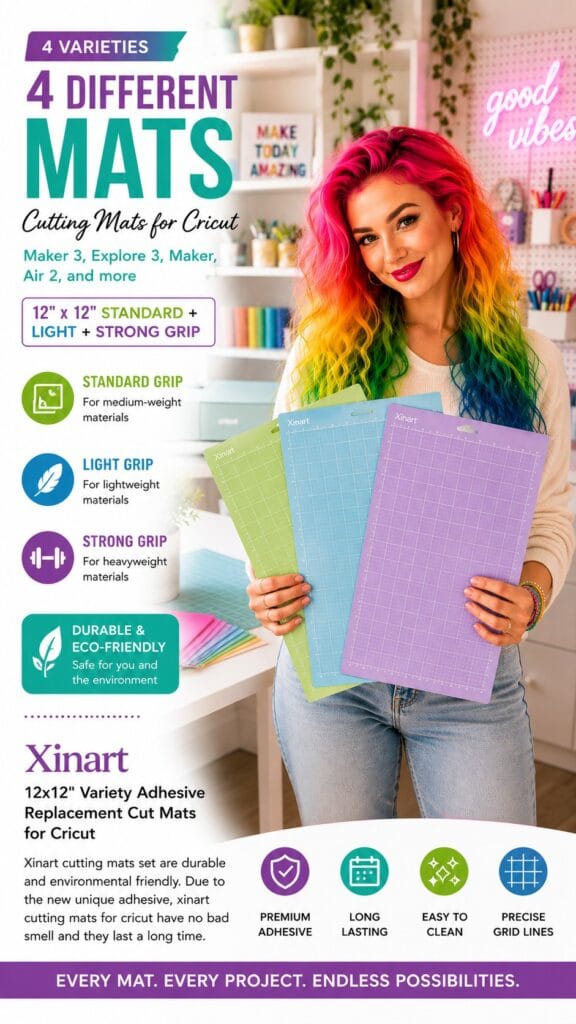
- 💙 LightGrip (blue) — for paper, cardstock, and anything delicate that tears if you look at it wrong
- 💚 StandardGrip (green) — for vinyl, iron-on, and patterned paper. This is the one you’ll use 80% of the time.
- 💜 StrongGrip (purple) — for thick, heavy, or stubborn materials: chipboard, glitter cardstock, magnet sheets
- ♻️ Reusable and washable — rinse with warm water, air dry, and the tack comes back
- 🔧 Fits every Explore and Maker machine — including the new Explore 5, despite what the listing title says
- 💷 Three mats for $8.99 — Cricut’s own single mats cost roughly double that. Each.
Check the current price on Amazon →
The quick verdict: Nobody tells you this when you buy a Cricut, so I will: the mat you use matters more than almost anything else, and using the wrong one is why your project failed. Too much grip and your cardstock tears coming off. Too little and your vinyl shifts mid-cut and the whole thing is ruined. This 3-pack gives you all three grip levels for $8.99 — less than half what Cricut charges for a single mat. Buy it with the machine. Not later. With it. 🌈
Okay, real talk: when you unbox your first Cricut, you get one mat, you slap everything onto it, and you assume that’s just how it works.
Then your cardstock rips when you peel it off. Or your vinyl slides mid-cut, and the design comes out mangled. Or your glitter cardstock refuses to stick at all and jams the machine. And you conclude — wrongly! — that you’re bad at this.
You are not bad at this. You used the wrong mat. 🌈
The grip level is not a minor detail. It is the detail. And once you understand it, roughly 80% of your failed projects stop happening.
The whole system, in thirty seconds
💙 LightGrip (blue) — for delicate things, Paper. Thin cardstock. Vellum. Anything that would tear if the mat gripped it hard. Use this, and your paper peels off cleanly instead of ripping in half at the exact moment you thought you’d finished.
💚 StandardGrip (green) — for most things Vinyl. Iron-on / HTV. Regular cardstock. Patterned paper. This is your workhorse, and it will do most of your projects. If you only ever understood one mat, understand this one.
💜 StrongGrip (purple) — for stubborn things. Thick cardstock. Chipboard. Glitter cardstock (which is slippery and will absolutely slide on a weaker mat). Magnet sheets. Anything heavy that needs to be held down hard while the blade works.
That’s it. That’s the entire system. Match the mat to the material and everything just… works.
The rule that saves your projects
When in doubt, go one grip lower than you think.
Too much grip on a delicate material = a torn project and a mat covered in shredded paper. Too little grip on a heavy material = the material shifts, the cut goes crooked, and sometimes it jams.
Of the two, the tearing is more heartbreaking because it happens at the end, after all the work. So start lower, and go up if it slips.
Yes, these fit the Explore 5 🌈
The listing title says Maker 3, Explore 3, Maker, Air 2 — and I know that makes you nervous if you’ve just bought a new machine.
They fit. Cricut uses the same 12×12 mats across the entire Explore and Maker line — Explore 3, 4, and 5, and every Maker. The mats haven’t changed. Don’t overthink it.
(New to the machine? Here’s my Cricut Explore 5 review.)
Mats are consumables — treat them like it
This is the other thing nobody tells you: mats wear out. They’re not permanent equipment, they’re supplies, like blades and vinyl. Every project takes a little tack away.
To make them last as long as possible:
- KEEP THE CLEAR PLASTIC FILM. Do not throw it away! Put it back on the mat after every single use. This is the single biggest thing that extends a mat’s life, and roughly everyone bins it on day one and then wonders why their mat died in a month.
- Lint-roller it between projects to lift off fuzz and paper scraps.
- Wash it when the tack fades — warm water, a little dish soap, gently with your fingers or a soft brush. Air dry completely. The stickiness genuinely comes back.
- Scrape, don’t peel. Use a scraper tool to lift material off rather than pulling it up at an angle, which stretches your project and stresses the mat.
Do all that, and a mat lasts months instead of weeks.
The honest part
These are third-party mats, not genuine Cricut ones. At 4.7 stars across 18,400 reviews, they clearly work — that is an enormous amount of evidence, and it’s why they’re in this guide. But be realistic: some people find the adhesive doesn’t last quite as long as Cricut’s own. Given you’re paying roughly a third of the price, that’s a trade most of us will happily take. Just don’t expect a $3 mat to outlive a $17 one.
They’re 12″×12″ only. If you want to cut something long — a big banner, a tall decal — you’ll need a 12″×24″ mat, which isn’t in this pack. Worth knowing before you plan a giant project. (Though remember: with Smart Materials, the Explore machines cut up to 12 feet with no mat at all — so for really long stuff, you may not need a mat anyway.)
The adhesive is strong when new. Genuinely — a fresh StrongGrip will fight you. That’s not a defect, that’s the job. But don’t put your best cardstock on a brand-new purple mat and expect it to come off politely. Break new mats in on scrap first, or press a clean t-shirt onto the surface a couple of times to knock the tack down.
Who it’s for
Literally everyone who owns a Cricut. I’m serious — this is not an optional accessory, it’s a fundamental part of using the machine properly, and most people are quietly hobbling themselves by using one mat for everything.
At $8.99 for all three, there is no argument against it. Cricut’s own mats are around $15–20 each. You’re getting the full grip range for less than half the price of one official mat.
The bottom line
Match the mat to the material, and your projects stop failing. That’s the whole secret, and it costs nine dollars.
Green for vinyl and iron-on. Blue for paper. Purple for the heavy stuff. Keep the plastic film. Wash them when they get tired.
Now go make something nobody else has. 🌈
Check the current price on Amazon →
Read the Cricut Explore 5 review →
See the full DIY & Craft edit →
See more of Vicky’s fall edits →
As an Amazon Associate, SparkTrove Trends earns from qualifying purchases — at no additional cost to you.
I love you all — stay sparkly and stay vivid. Vivid Vicky for SparkTrove Trends. 🌈






Post Comment